












Originally published December 28, 2019 @ 12:42 am
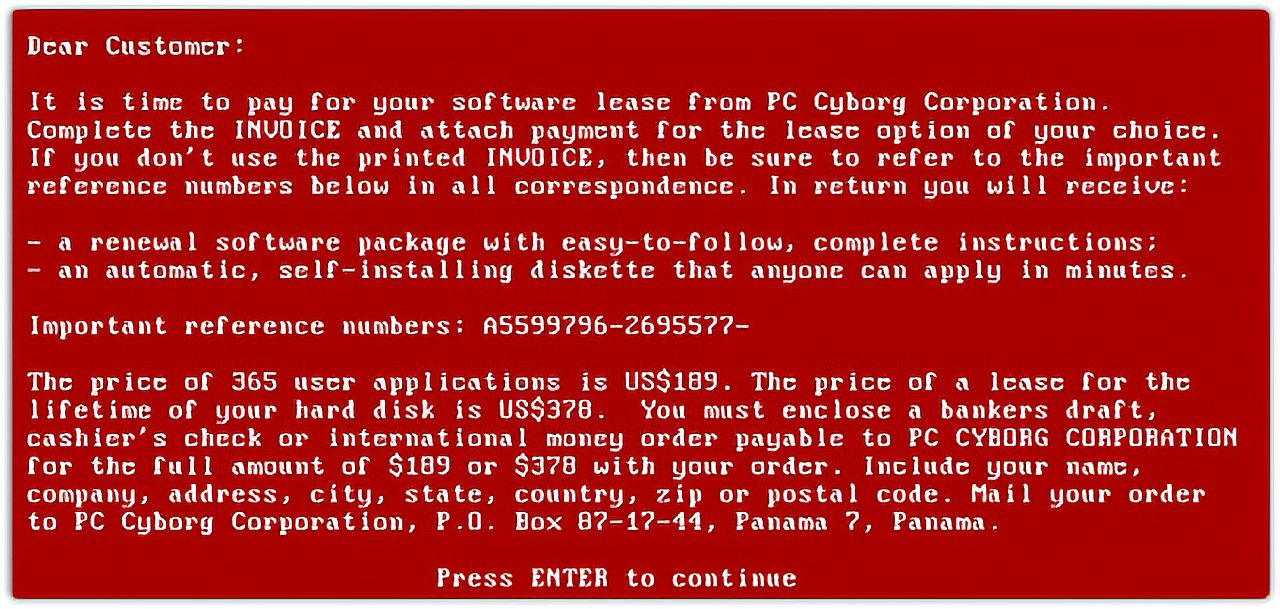
The first well-known case of ransomware was documented in 1989. The so-called AIDS Trojan was delivered on a floppy disc; encrypted data; demanded $189.00 (nearly four hundred bucks in today’s money) as a “license fee.” The trojan was quickly defused due to its reliance on weak symmetric cryptography. In contrast, data encrypted by modern ransomware is virtually irrecoverable without the decryption key.
Ransomware attacks can be very damaging and carry a stigma, forcing the victims to keep quiet. If you get hit by ransomware today and don’t have a usable backup, your only realistic hope to recover your data is to pay the ransom. The FBI disagrees, but in such situations, the agency’s main objective is to discourage ransomware authors – not to recover your data.
No tool or method guarantees a ransomware-free computer. Sooner or later, you’ll find it, install it somehow, and then spend days wondering how you could’ve been so stupid. The key here is to have timely backups stored at a location ransomware cannot access.
And this is not a trivial technical challenge. Any practical backup scheme needs to be automated. Any automated process running on your computer needs unattended access to backup storage. If your computer gets infected, ransomware will also access your storage. It will encrypt data on your computer and everywhere else it can get to, leaving you without a usable backup.
Bare Bones
So, it would help if you had a mechanism that moves your data from the primary backup location to somewhere “offline,” where the computer cannot get to it without your manual intervention. The most straightforward illustration of such a setup would be a dual-disk USB3 replication station.
When the station contains two disks and is plugged into your computer, you can only access the first disk. This would be your primary backup destination. Once the backup is done, you push the disk copy button, and the primary disk is cloned to the secondary disk. Your computer cannot access this secondary disk unless you physically swap the two disks.
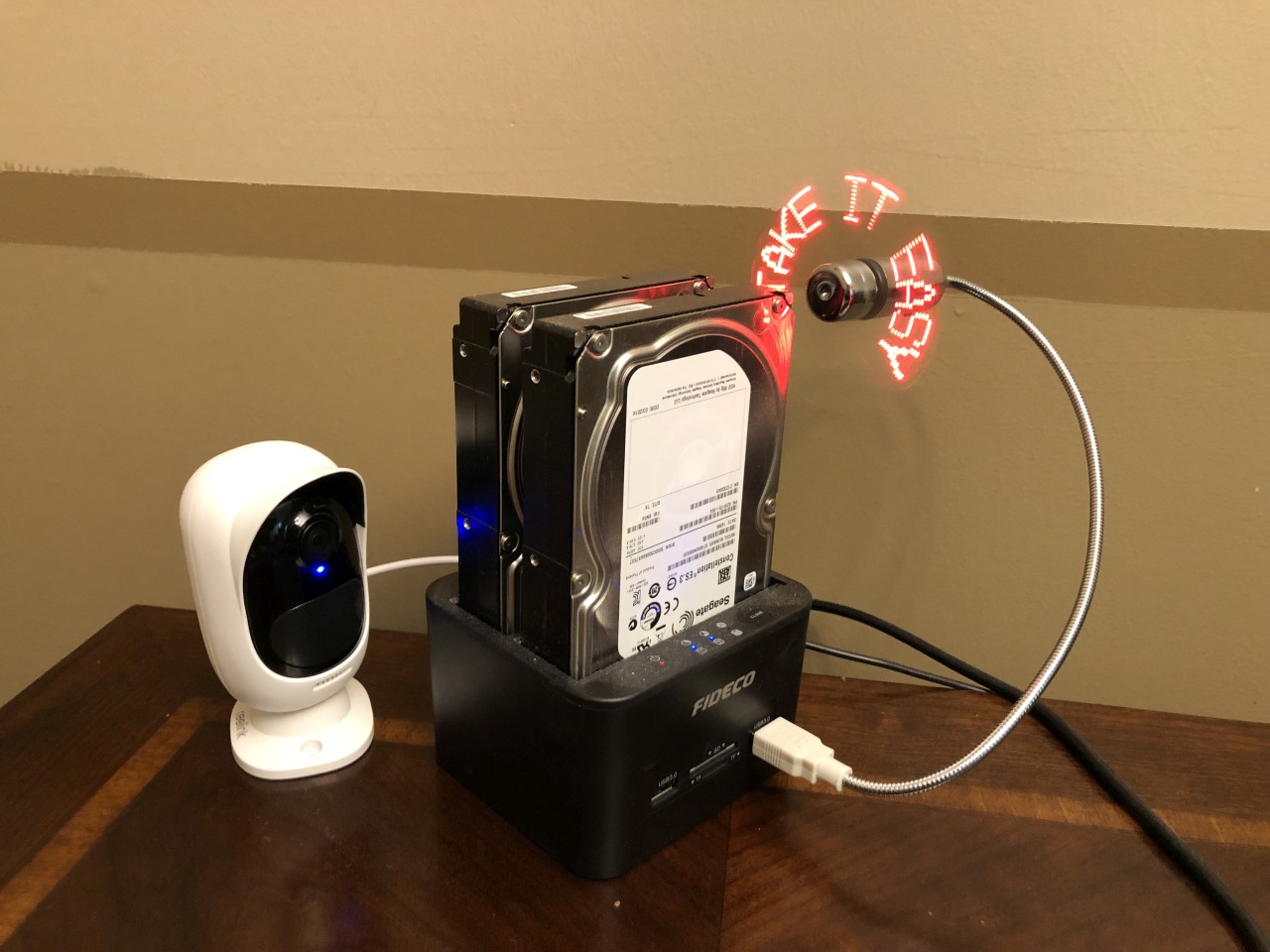
A setup like this is cheap, simple, secure. There are manual steps: you need to connect your computer to the disk station, kick off the backup, and, once the backup completes, push the disk replication button. This is not something you would do every day, but if you’re hit by ransomware, having a usable backup a week or even a month old is better than having nothing at all.
Imagine a similar setup where you don’t need to push a button to copy data between the disks. Also, instead of cloning the entire hard drive, only your latest backup is copied to the “offline” disk. Finally, it would be more convenient if you could access the backup destination via the network. Consider the following diagram:
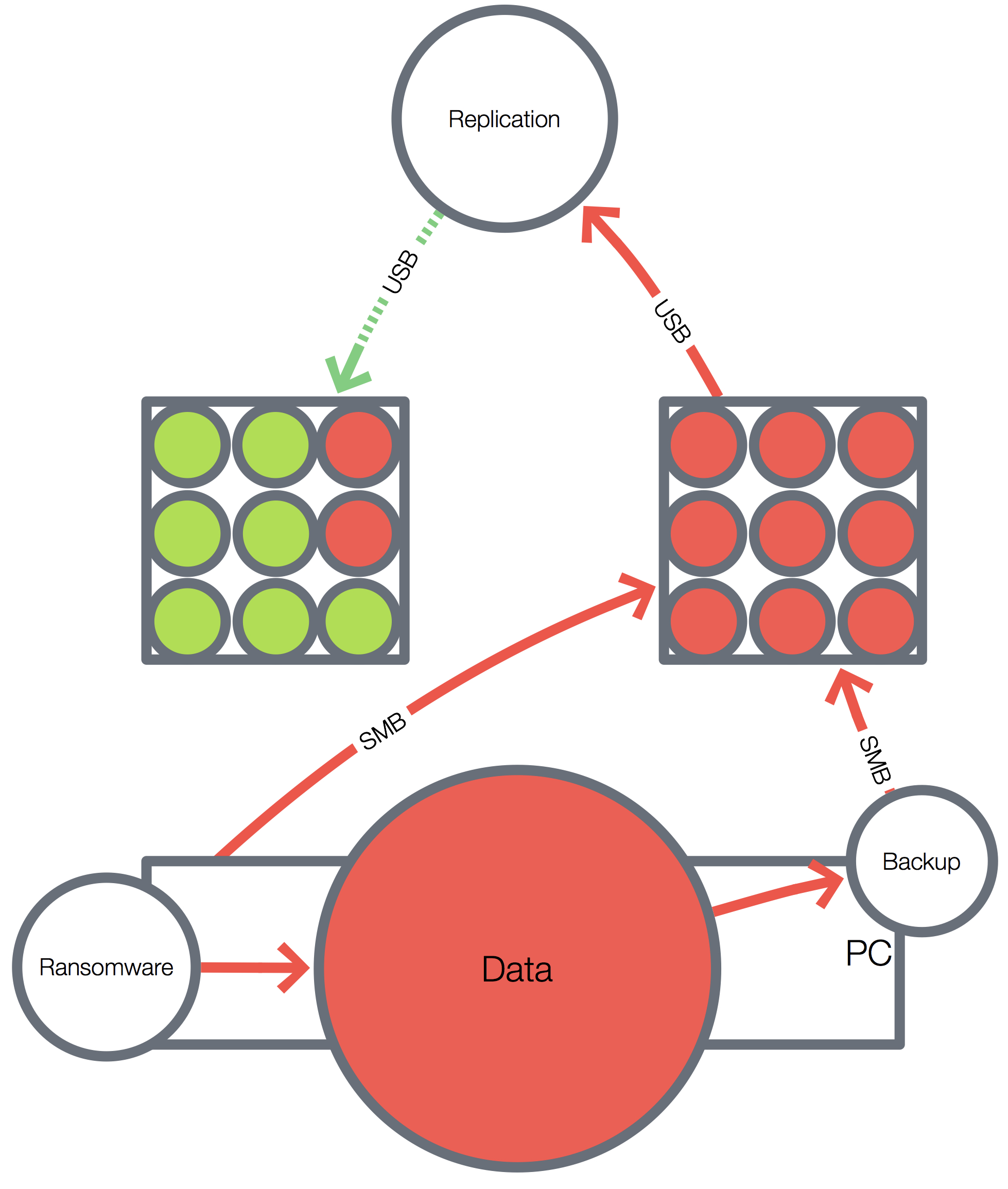
The key here is the “Replication” device. Ideally, it should have no network connection. It would be directly connected via USB to the NAS (the box on the right) and the “offline” storage (the box on the left).
A tricky part is a connection between the NAS and the replication device. Most NAS servers have USB3 interfaces for connecting expansion storage. Here we need a NAS that can be connected to a computer as a USB storage device in addition to NAS functionality. We’re talking about something like this network-enabled hard drive case, for example:
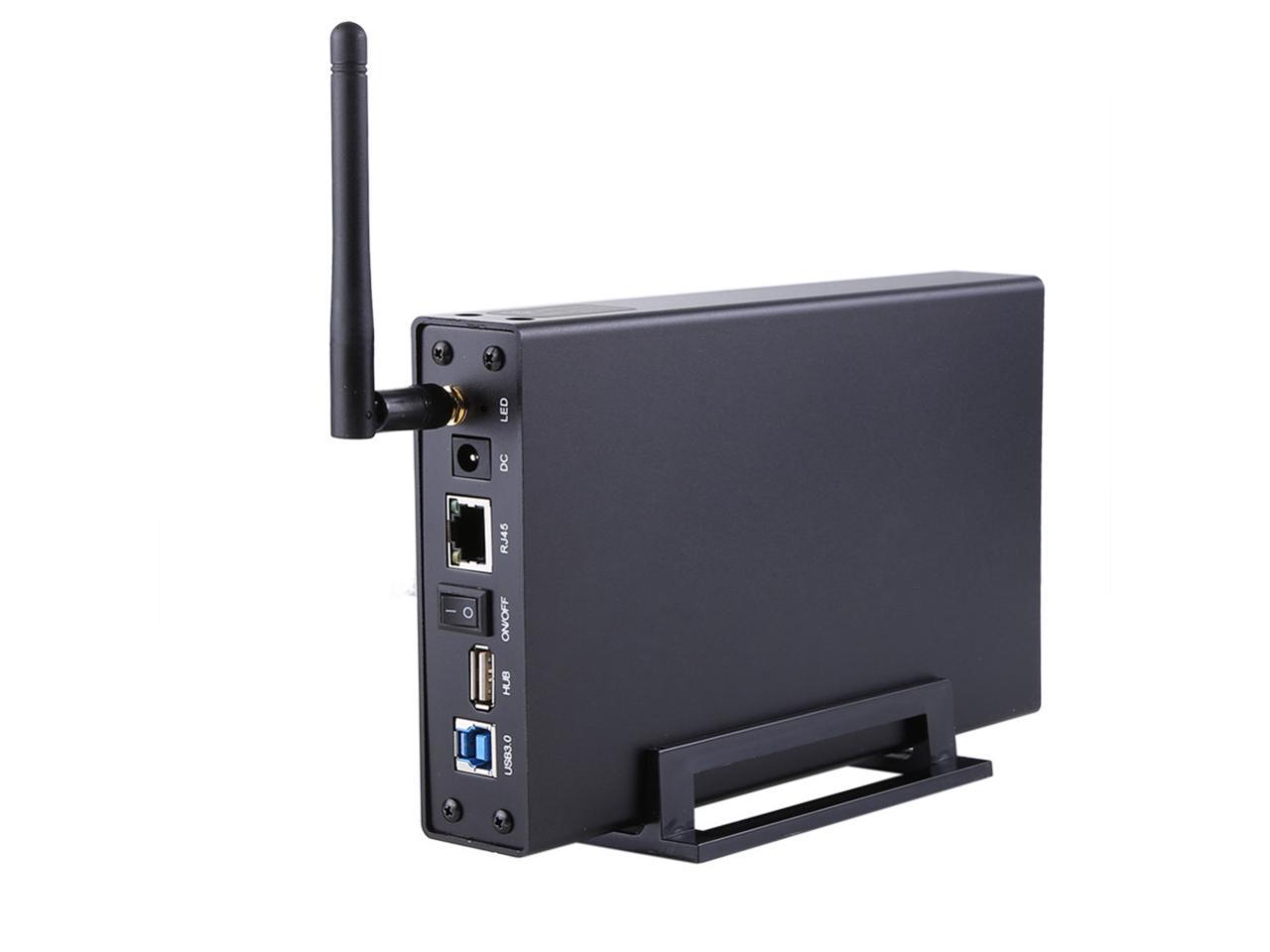
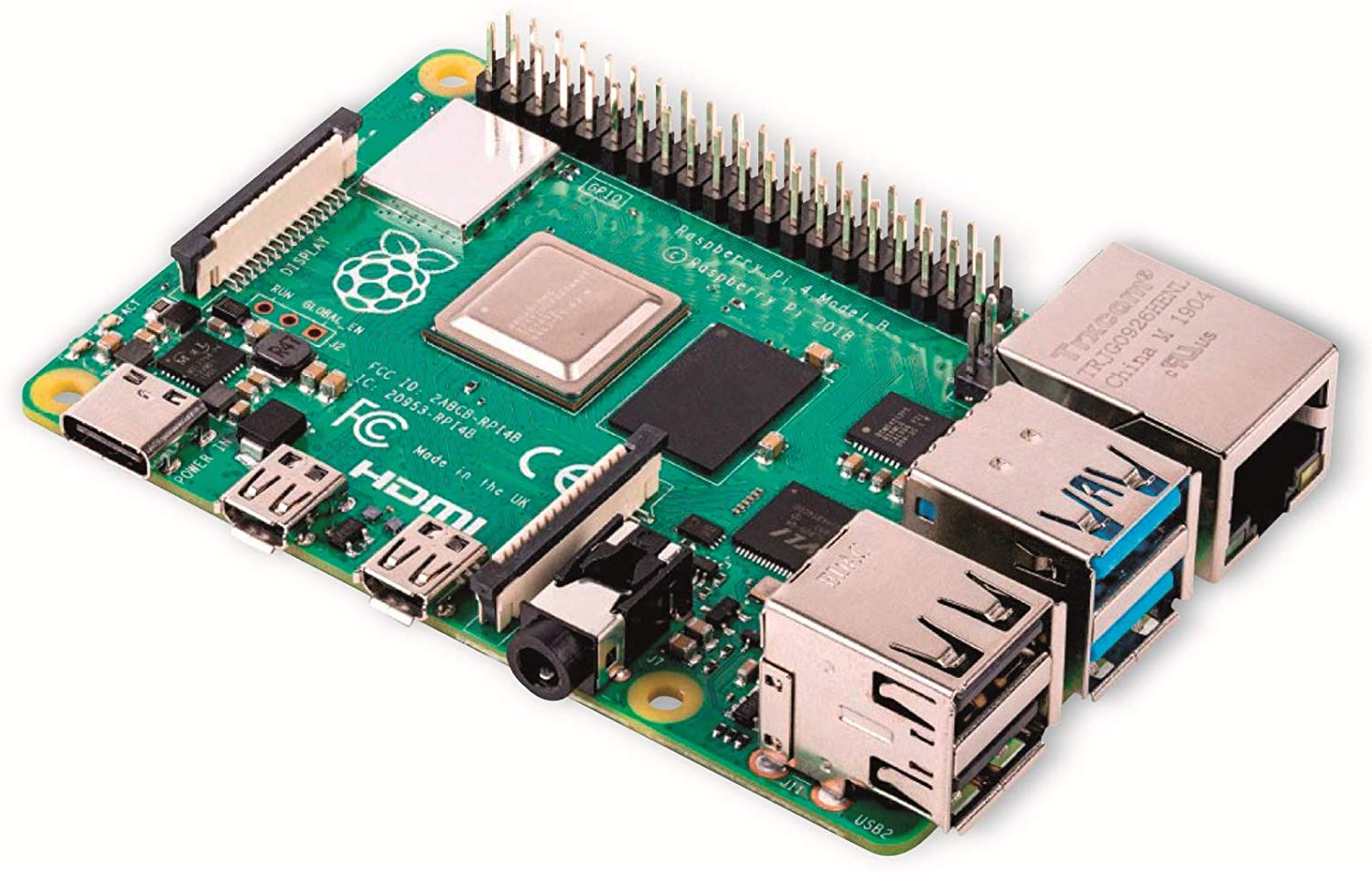
The replication device can be any basic computer equipped with dual USB3 ports.
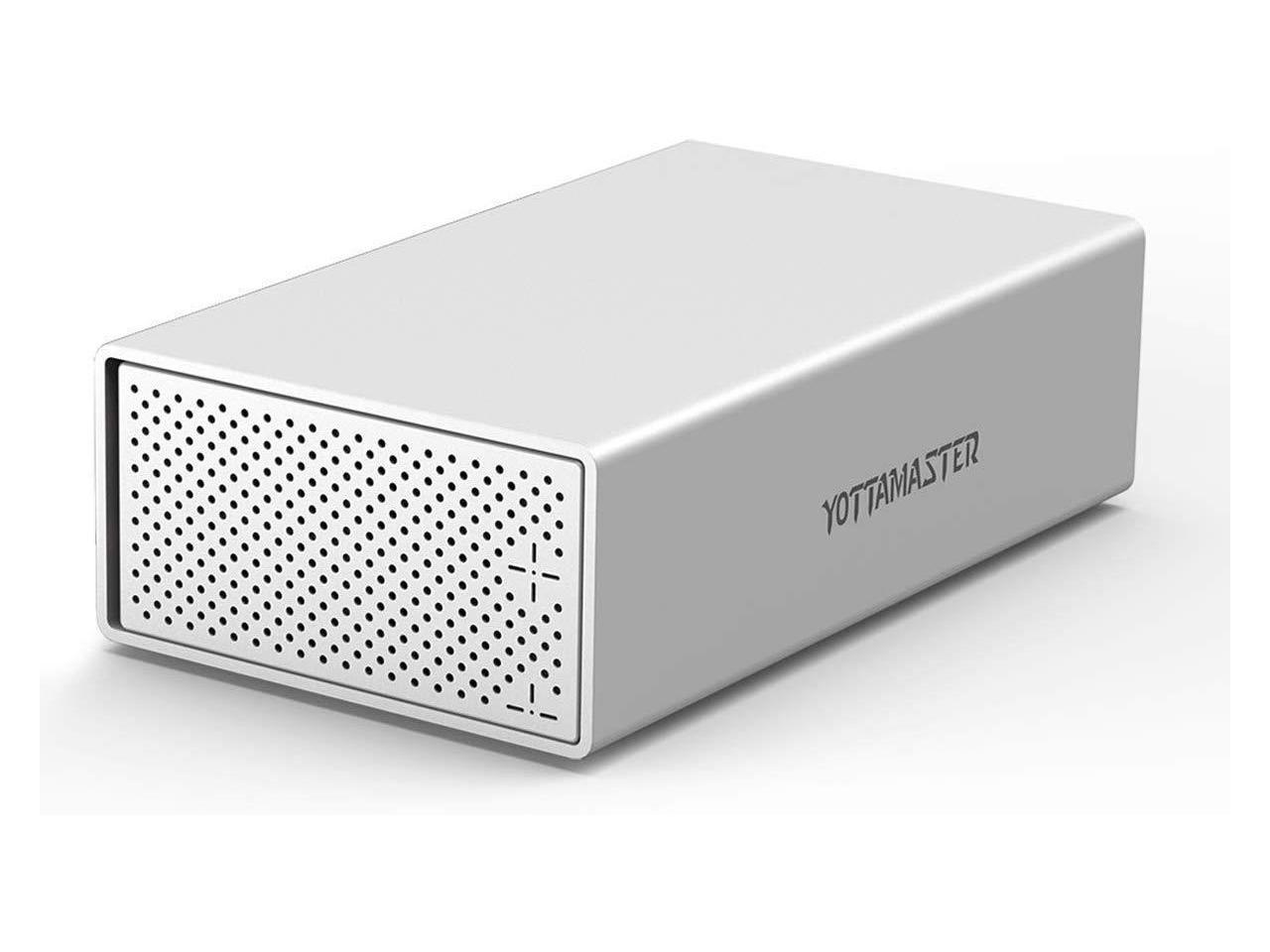
And the “offline” storage device can be any USB3 disk enclosure offering disk redundancy and sufficient capacity.
A setup like this would be sufficient for a developer but not for a sysadmin. I felt I needed something a bit more sophisticated. But before you follow me down that rabbit hole, I think a few words need to be said about hindering ransomware attacks.
Honeypot
Just a few paragraphs above, I said that nothing could prevent a ransomware attack, and I stand by that statement. However, there is a way to intercept it and, hopefully, do so quickly enough to avoid significant damage. There are commercial ransomware protection tools that monitor for processes modifying files at a high rate.
When a process is spotted, it can be paused, killed, or otherwise rendered inactive or incapable of performing write I/O. The key here is time. Ransomware seeks out data it considers most valuable and encrypts it first. This happens very fast. When your anti-ransomware utility detects something suspicious, it may already be too late.
One approach (used by the FBI) is to present the suspected ransomware with an extensive collection of seemingly valuable user data. This delay may give your antivirus scanner just enough time to catch the ransomware process and terminate it, hopefully, before it gets to the real stuff.
I don’t know exactly how this method works, but I would imagine your local and network file storage is peppered with data honeypots of substantial depth and realism to both slow down ransomware and shine a spotlight on it. Just off the top of my head, here’s a simple example:
We create ten folders and fill them with a thousand empty files (in a more realistic scenario, these would be actual or sufficiently realistic MS Office documents and somesuch):
for d in `seq 1 10`
do
  mkdir -p /var/tmp/honeypot/dir_${d}
  for j in `seq 1 100`
  do
    touch /var/tmp/honeypot/dir_${d}/file_${j}
  done
done
Now we set up an inotifywait process that will spring into action as soon as one of those one thousand files is modified. The inotifywait process will detect the PID of the process that is accessing the folder containing the files, and it will record detailed information about this process:
inotifywait -mr /var/tmp/honeypot -e modify | while read path action file
do
  pid="$(lsof "${path}/" | tail -1 | awk '{print $2}')"; lsof -p "$({ echo "$pid"; pgrep -P "$pid"; } | paste -sd , -)"
done
Sample output when I echo 1 > /var/tmp/honeypot/dir_1/file_83:
COMMAND   PID USER   FD   TYPE DEVICE SIZE/OFF    NODE NAME
bash    19675 root  cwd    DIR  253,2     4096  526058 /var/tmp/honeypot/dir_1
bash    19675 root  rtd    DIR  253,0     4096       2 /
bash    19675 root  txt    REG  253,0   942200 1181178 /bin/bash
bash    19675 root  mem    REG  253,0   161776  393259 /lib64/ld-2.12.so
bash    19675 root  mem    REG  253,0  1930416  393274 /lib64/libc-2.12.so
bash    19675 root  mem    REG  253,0    23088  393412 /lib64/libdl-2.12.so
bash    19675 root  mem    REG  253,0   134792  398348 /lib64/libtinfo.so.5.7
bash    19675 root  mem    REG  253,0 99174448 1097834 /usr/lib/locale/locale-archive
bash    19675 root  mem    REG  253,0    66432  411184 /lib64/libnss_files-2.12.so
bash    19675 root  mem    REG  253,0    26060 1052122 /usr/lib64/gconv/gconv-modules.cache
bash    19675 root    0u   CHR  136,1      0t0       4 /dev/pts/1
bash    19675 root    1u   CHR  136,1      0t0       4 /dev/pts/1
bash    19675 root    2u   CHR  136,1      0t0       4 /dev/pts/1
bash    19675 root    6u   CHR  136,1      0t0       4 /dev/pts/1
bash    19675 root  255u   CHR  136,1      0t0       4 /dev/pts/1
If simultaneously you’re also running atop, you will get a lot more detailed information about the PID responsible for modifying the files in this folder, when it was created and how. Instead of recording the details of what happened, you can tell the inotifywait process to just pause (or kill) the suspicious PID:
inotifywait -mr /var/tmp/honeypot -e modify | while read path action file
do
  pid="$(lsof "${path}/" | tail -1 | awk '{print $2}')"
  echo ${pid}
  kill -STOP ${pid}
done
You can also identify which PIDs have received the STOP signal
ps -e -o stat,command,pid | grep '^Ts+ '
And resuming them is easy:
kill -CONT ${PID}
Putting all of this together, the final result may look something like this:
Any process that modifies even one file inside the honeypot folder will be put on ice, and its details will be recorded. This will only affect processes that change files – not just access them, so your malware scanner and backup application will be fine.
It is also possible to combine this process with notification; rsync, to immediately restore any modified or deleted files from a remote location; nmap to scan the suspicious source of the connection, the firewall to block that connection, and just about anything else you can think of:
inotifywait -mr /var/tmp/honeypot -e modify,delete | while read path action file
do
  pid="$(lsof "${path}" | tail -1 | awk '{print $2}')"
  if [ ! -z "${pid}" ]
  then
    lsof -p "$({ echo "${pid}"; pgrep -P "${pid}"; } | paste -sd , -)"
    echo "Pausing ${pid}"
    kill -STOP ${pid}
  fi | mailx -s "honeypot event on $(hostname) at $(date)" alerts@yourdomain.com
  rsync -avKx -e ssh -qt root@ncc1701:${path}/${file} ${path}/ &disown
done
A Thousand-Dollar Solution
With this out of the way, let’s get back to a better ransomware-resistant backup setup. I had a couple of older Synology DS1813+ NASes that I wanted to dedicate to my “business continuity” purposes.
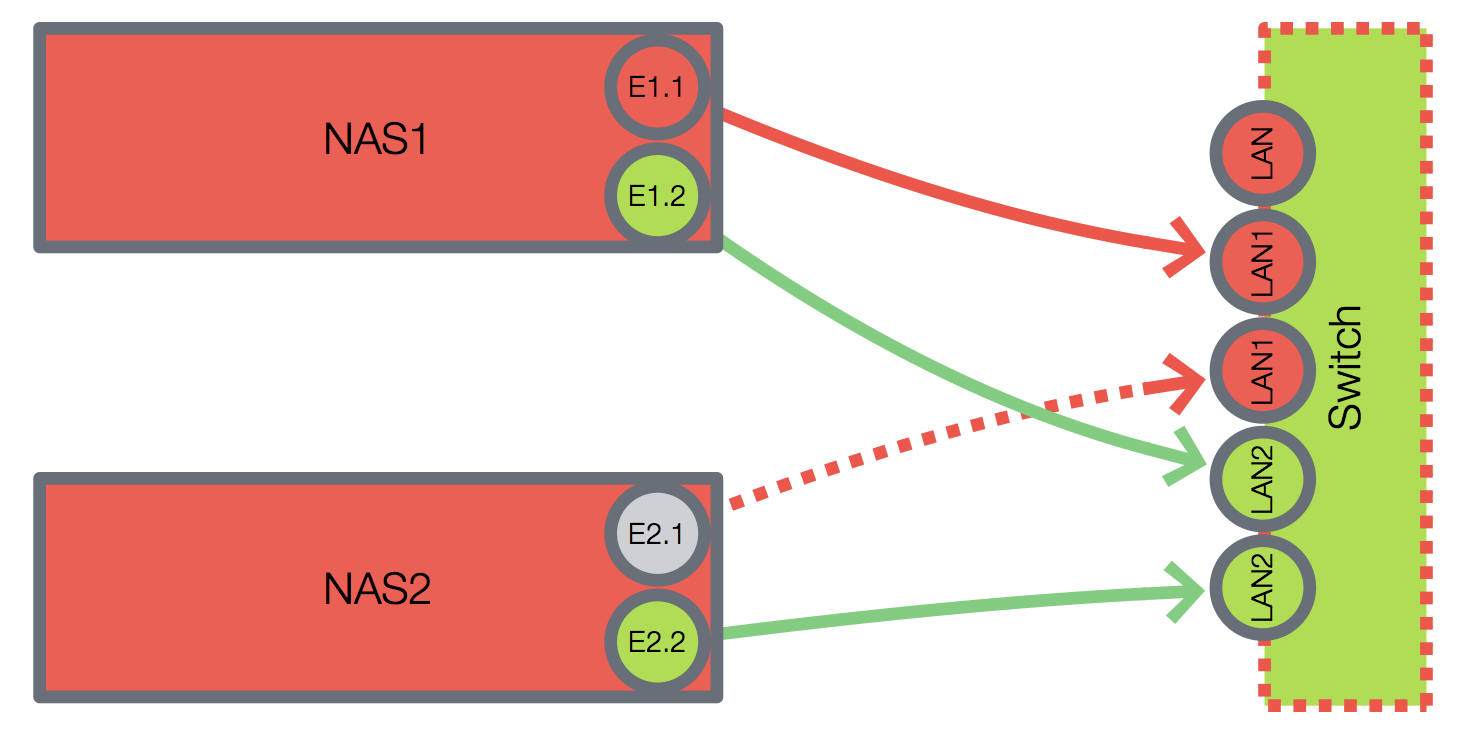
Each NAS has four gigabit NICs allowing me to connect one of them to my home network using LACP aggregation offering 3Gbps bandwidth, while the remaining NIC on the “online” NAS was used to connect it to the “offline” NAS via a small managed TP-Link gigabit switch running a private network.
The remaining step was to configure periodic snapshots of my backup volume and set up a snapshot replication service to copy the snapshots to the “offline” NAS.
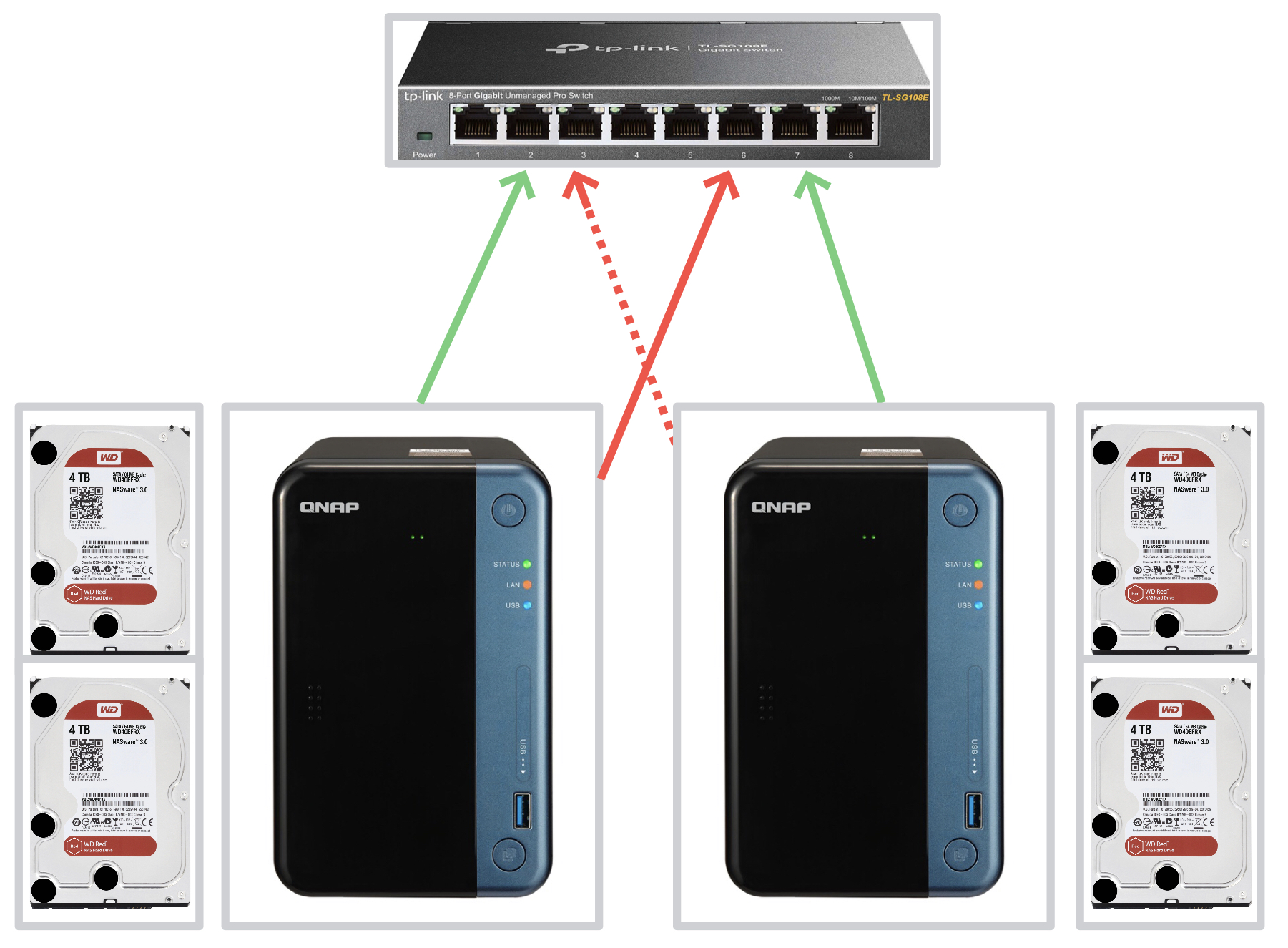
If you’re looking for a DIY solution, you need something with at least a couple of USB3 ports and a dual gigabit NIC. The options here are minimal and expensive, like the $230 Grapeboard. And you would still need two USB3 RAID-enabled disk enclosures. At this price, you’re better off with something like QNAP TS-253Be or Synology DS718+.
Here’s a rough breakdown of your costs for a setup like this offering 4TB 4x-redundant storage capacity:
| Item | Quantity | Unit Price (USD) | Line Cost (USD) |
| WD Red 4TB NAS Hard Drive | 4 | $100 | $400 |
| QNAP TS-253Be-2G-US | 2 | $330 | $660 |
| TP-Link 8-Port TL-SG108E switch | 1 | $28 | $28 |
| Cat 7 Shielded Ethernet Cable 5 ft | 4 | $5 | $20 |
| TOTAL | $1,108 | ||
You should also spend about $35 per license for some decent backup software for each PC you need to protect. On Windows, I’ve been using Acronis True Image for many years now and had no reason to complain. The added bonus is that True Image comes with its own type of ransomware protection—the more, the merrier.
The inotifywait utility is available via CLI on both Synology and QNAP, so it’s no problem to set up some honeypots and have the system watch for any changes. I have a honeypot process running on the 5-bay QNAP TS-563 that I use as the default dumping ground for my laptops, making it more susceptible to a ransomware attack. There are no idiot-proof solutions, but, so far so good.

Experienced Unix/Linux System Administrator with 20-year background in Systems Analysis, Problem Resolution and Engineering Application Support in a large distributed Unix and Windows server environment. Strong problem determination skills. Good knowledge of networking, remote diagnostic techniques, firewalls and network security. Extensive experience with engineering application and database servers, high-availability systems, high-performance computing clusters, and process automation.